Android Version 2024.08.0 Released

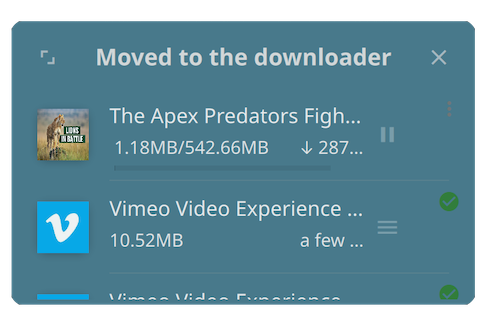
We're very excited to announce the release of WhaleDown for Android - 2024.08.0. This is a brand new release that brings great desktop-level functionality and user experience.
Introduction
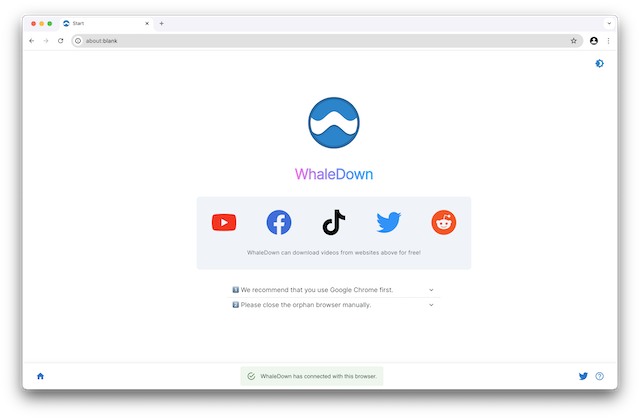
This is a brand new version that includes almost all the features of the desktop version. Due to Android platform limitations, WhaleDown can't support browsers such as Google Chrome on Android.
WhaleDown for Android shares core technology with the desktop version. Our developers ported the most important download module to the Android platform. This is an important step for WhaleDown to support multiple platforms.
Thanks to Google's Flutter technology, it only took us half a year to complete WhaleDown for Android development. Now our team can develop new features and fix bugs faster.
If you're using an Android tablet or foldable phone, you'll notice that WhaleDown presents a different user interface layout. Users familiar with our product will find that the tablet version has almost the same user interface layout as the desktop version before 2023.
About the Future
We take WhaleDown for Android very seriously. In the future, new features or bug fixes will be introduced to WhaleDown for Android as a priority.
Additionally, we plan to port WhaleDown for Android to desktop platforms (Windows and macOS) in 2025 to replace the current desktop version. At that time, we will be using uniform technology across all platforms.
In 2026, we plan to bring a new account and membership system. This will simplify the payment process and license management.
FAQs
Currently, users of the trial version can download videos entirety. Only paid users can export videos. We may change this strategy in the future.
The WhaleDown license can be used on all platforms. This means that if you've already purchased a desktop license, you don't need to buy another Android license.
WhaleDown for Android 2022 has reached the end of its life. We highly recommend using the brand new 2024 version.