Your Personal Media Server in 2026

If you have a growing collection of high-quality, downloaded videos, you don't just need a "player"—you need an architectural centerpiece for your home theater. Managing a library of 4K remuxes, rare TV series, and personal archives requires more than a simple folder structure; it requires metadata automation, hardware efficiency, and remote accessibility.
In 2026, the choice between Plex, Emby, and Jellyfin is no longer just about price. It’s about how you want to interact with your data. It is a decision about data sovereignty versus convenience.
1. Plex: The Polished Professional
Plex is the gold standard for users who want their downloaded library to look and feel like a premium streaming service with zero configuration.
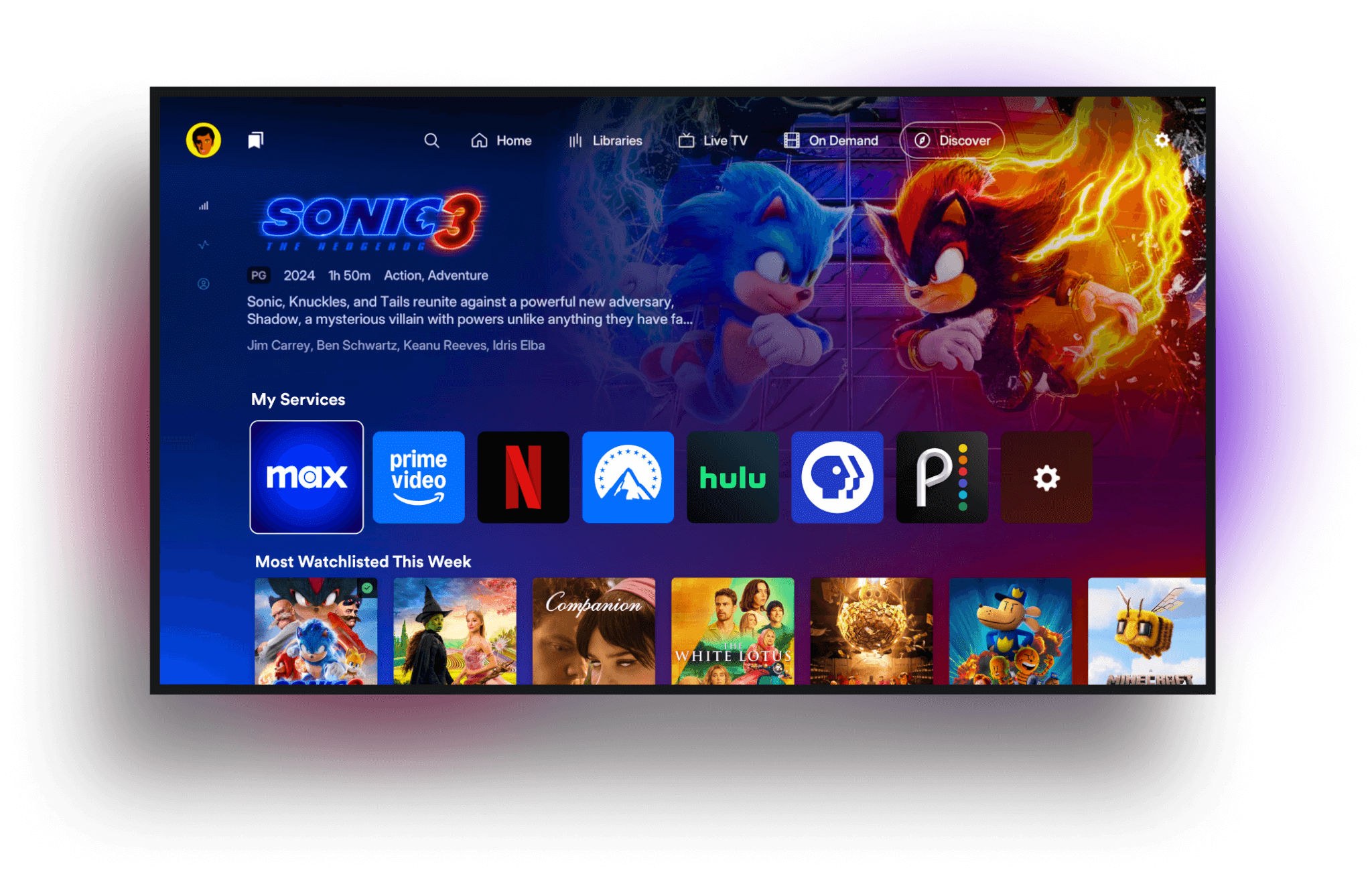
Best for Library Management: Its metadata "scrapers" are the fastest and most accurate in the industry. It will automatically find posters, cast lists, and even "Skip Intro" markers for your TV shows.
The Power Feature: Plex Pass ($4.99/mo or ~$120 lifetime). This is essentially mandatory for power users because it unlocks Hardware Transcoding (using your GPU to stream 4K files to a phone without lagging) and Offline Downloads.
The Trade-off: Plex requires an internet connection to sign in, and it mixes your local videos with its own ad-supported "Free Movies & TV" content, which can feel cluttered to purists.
2. Jellyfin: The Open-Source Purist
Jellyfin is the "community favorite" for 2026. Born as a project to keep media servers free and private, it has become incredibly powerful.
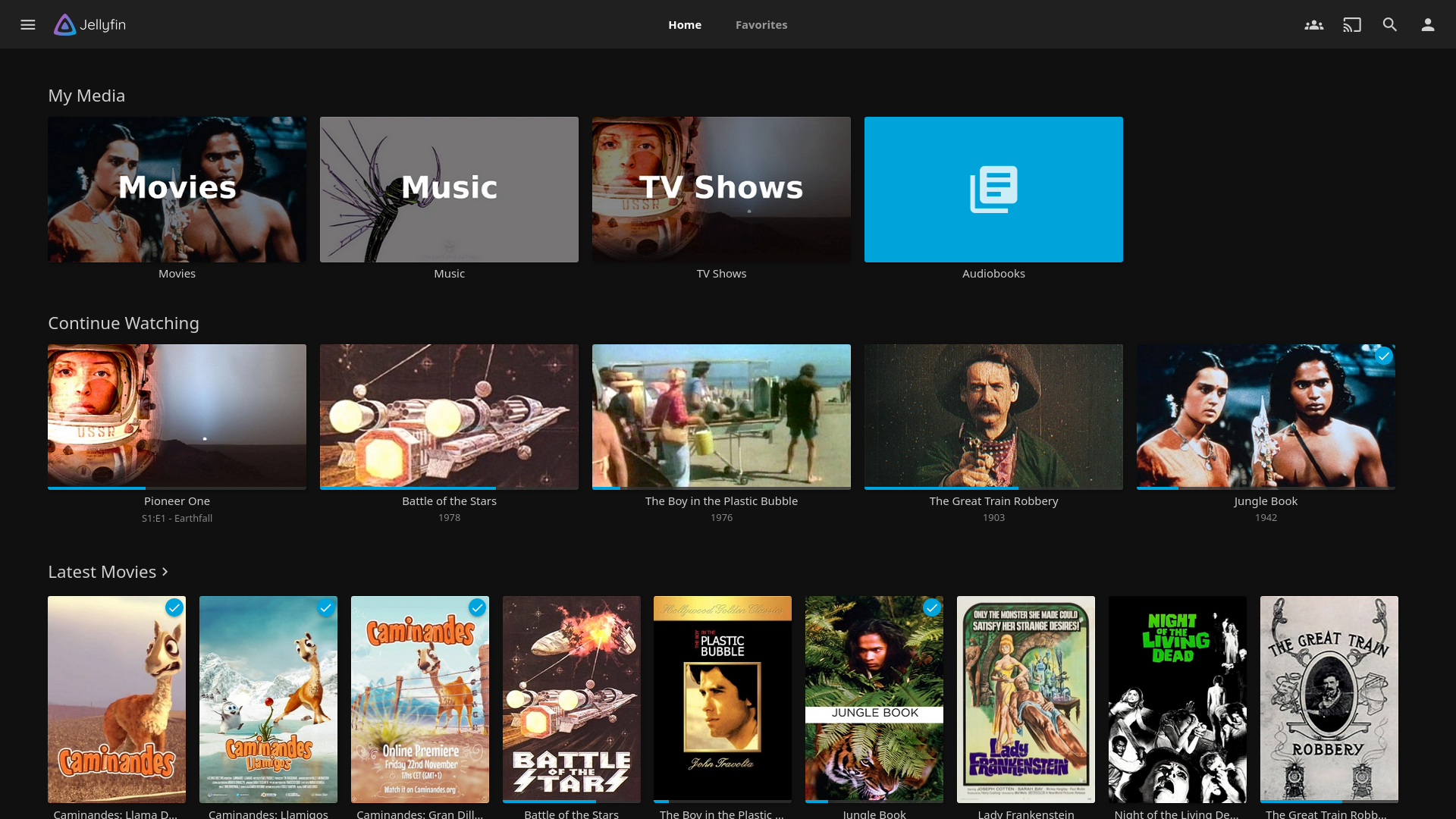
Best for Privacy & Cost: There are no "Pro" tiers. You get Hardware Transcoding, Live TV, and Mobile Sync for $0. It never "calls home" to a central server, meaning if your internet goes out, your local library still works perfectly.
The Power Feature: Open Source Freedom. You own the code. There is no tracking, no ads, and no one can ever "revoke" your access to your own server.
The Trade-off: The apps for Smart TVs (Samsung, LG) and consoles can be less stable than Plex. You may need to use a third-party player like Infuse on Apple TV to get a high-end experience.
3. Emby: The Customizer’s Choice
Emby is often described as the middle ground, but in reality, it’s the most flexible for users with massive or complex libraries.
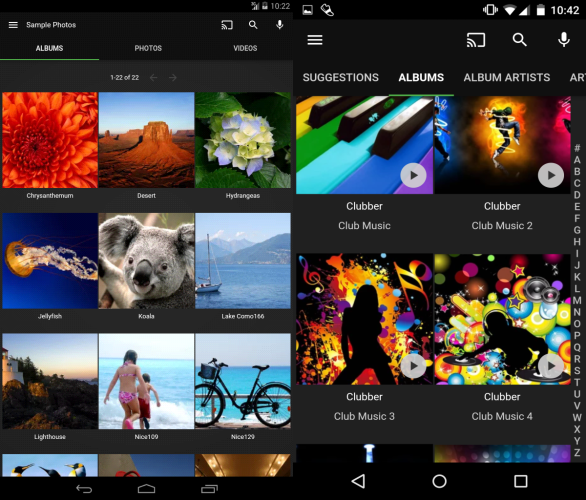
Best for Customization: Emby is famous for its "Metadata Manager," which allows you to manually tweak every detail of your library more easily than Plex. It also handles "odd" file structures (like DVD ISOs or folder-based rips) better than the others.
The Power Feature: Stability. Many users find Emby’s server-side performance to be more "set-it-and-forget-it" than Jellyfin, while remaining more focused on your content than Plex.
The Trade-off: Like Plex, the best features (like hardware acceleration) are locked behind Emby Premiere.
Technical Comparison
| Feature | Plex | Emby | Jellyfin |
|---|---|---|---|
| Metadata Accuracy | Superior (Automatic) | High (Manual tools) | Good (Plugin-reliant) |
| 4K Transcoding | Paid (Plex Pass) | Paid (Premiere) | Free |
| User Interface | Modern & Commercial | Clean & Professional | Basic & Light |
| Remote Access | Plug-and-Play | Manual Configuration | Manual (VPN/Reverse Proxy) |
| Offline Viewing | Excellent (Paid) | Solid (Paid) | Good (Free) |
Which One Should Host Your Videos?
The "Family Man" Setup: Choose Plex
If you want to share your movies with your parents or kids, choose Plex. You won't have to spend your weekends acting as IT support because the apps are available on every device and are incredibly easy to use.
The "Home Lab" Setup: Choose Jellyfin
If you have a dedicated server (like a Synology NAS or a custom PC) and you care about data sovereignty, go with Jellyfin. It is the most rewarding experience for those who enjoy having total control over their hardware.
The "Power Collector" Setup: Choose Emby
If you have thousands of movies and find Plex too restrictive but Jellyfin too unpolished, Emby is your home. It offers the best balance of administrative control and app stability for the serious collector.
Many users ask us how to manage the downloaded videos. So we finished this blog with the help of Google Gemini.
The products listed in this blog are developed by third-party companies/teams. They have absolutely no connection to WhaleDown.