Your Personal Media Server in 2026

· 4 min read
Joseph Simmons
Joseph Simmons
Senior Software Engineer

If you have a growing collection of high-quality, downloaded videos, you don't just need a "player"—you need an architectural centerpiece for your home theater. Managing a library of 4K remuxes, rare TV series, and personal archives requires more than a simple folder structure; it requires metadata automation, hardware efficiency, and remote accessibility.

In 2026, the choice between Plex, Emby, and Jellyfin is no longer just about price. It’s about how you want to interact with your data. It is a decision about data sovereignty versus convenience.

1. Plex: The Polished Professional

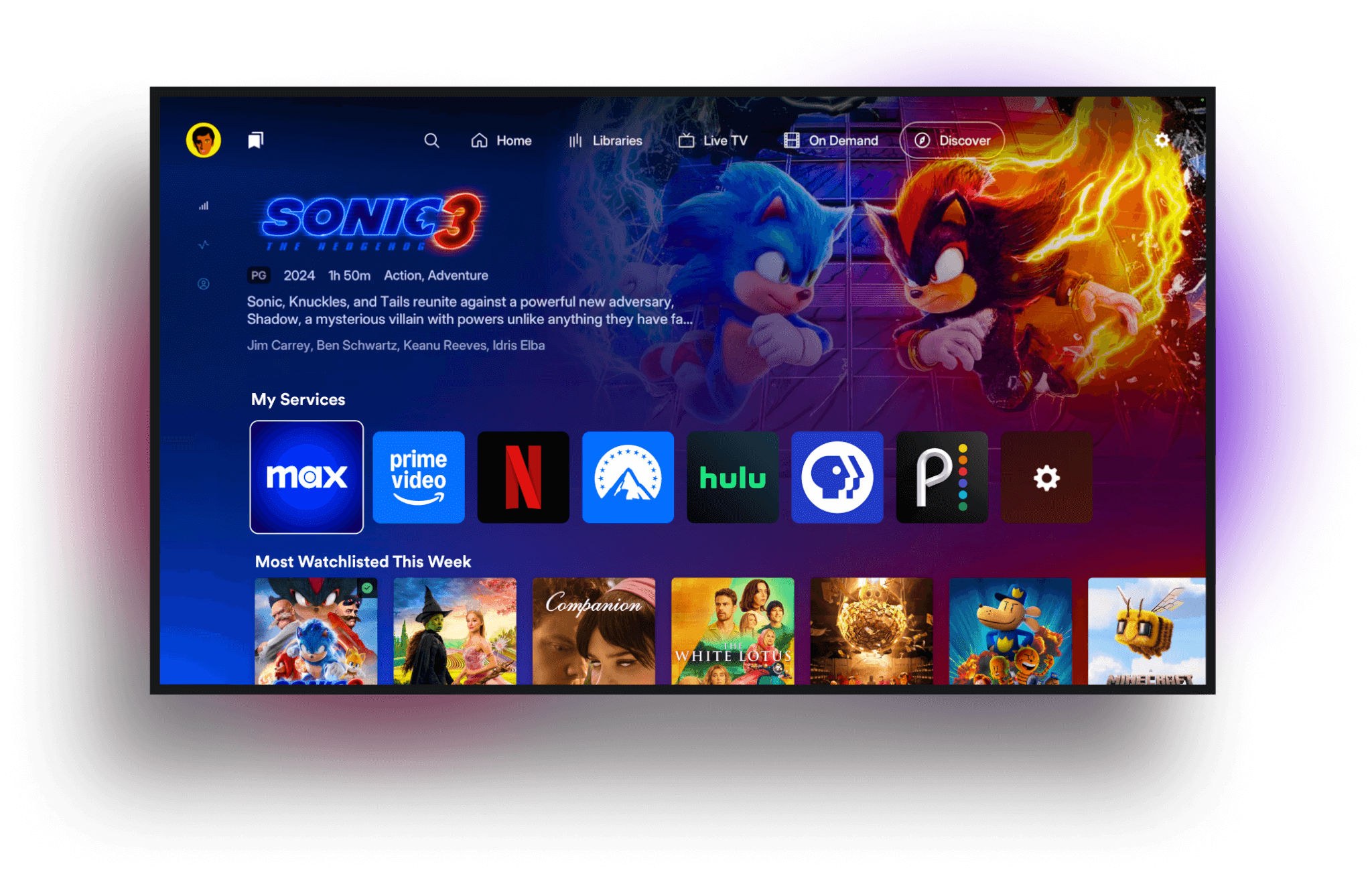
Plex is the gold standard for users who want their downloaded library to look and feel like a premium streaming service with zero configuration.
Plex

Best for Library Management: Its metadata "scrapers" are the fastest and most accurate in the industry. It will automatically find posters, cast lists, and even "Skip Intro" markers for your TV shows.

The Power Feature: Plex Pass ($4.99/mo or ~$120 lifetime). This is essentially mandatory for power users because it unlocks Hardware Transcoding (using your GPU to stream 4K files to a phone without lagging) and Offline Downloads.

The Trade-off: Plex requires an internet connection to sign in, and it mixes your local videos with its own ad-supported "Free Movies & TV" content, which can feel cluttered to purists.

2. Jellyfin: The Open-Source Purist

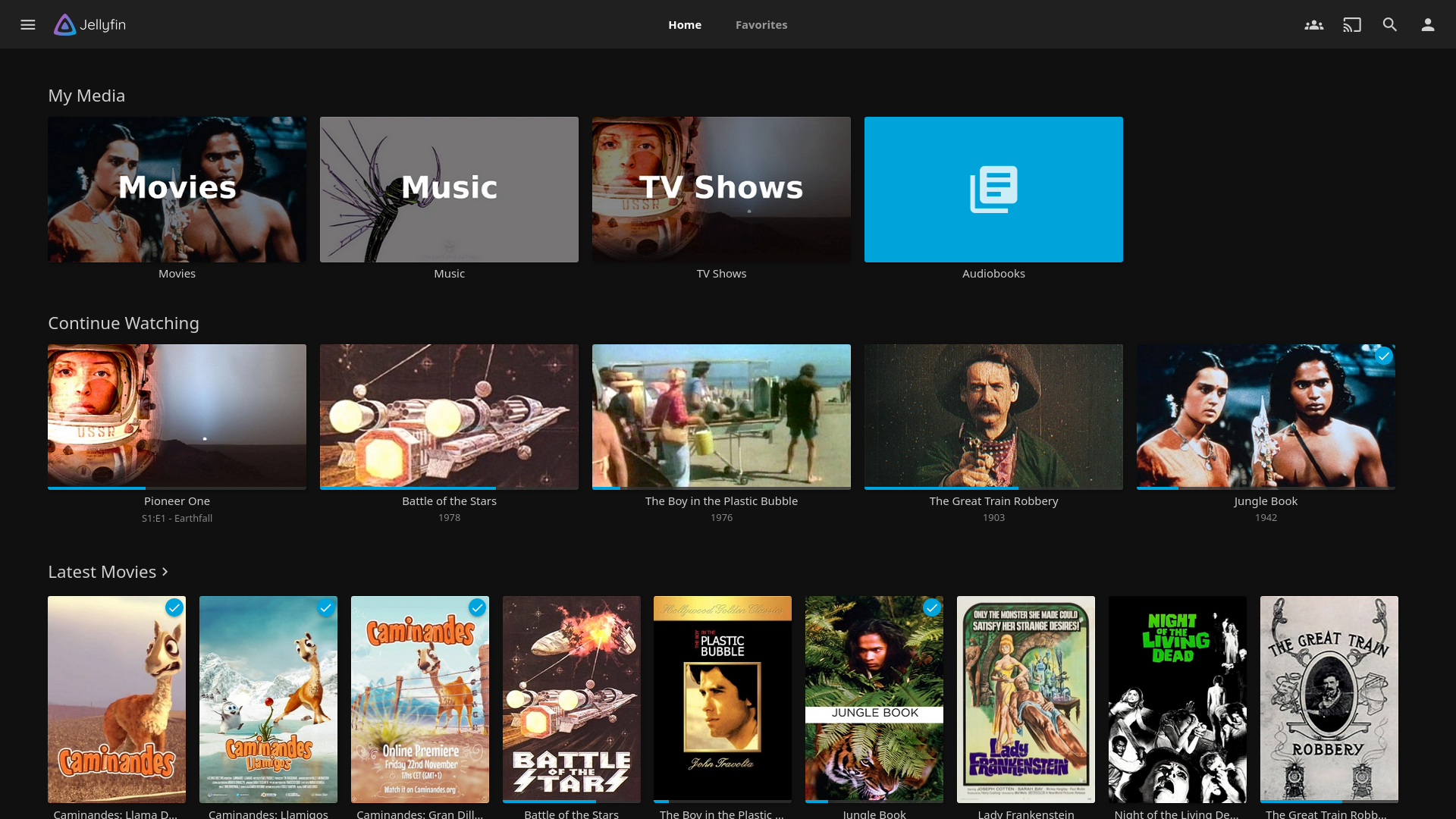
Jellyfin is the "community favorite" for 2026. Born as a project to keep media servers free and private, it has become incredibly powerful.
Jellyfin

Best for Privacy & Cost: There are no "Pro" tiers. You get Hardware Transcoding, Live TV, and Mobile Sync for $0. It never "calls home" to a central server, meaning if your internet goes out, your local library still works perfectly.

The Power Feature: Open Source Freedom. You own the code. There is no tracking, no ads, and no one can ever "revoke" your access to your own server.

The Trade-off: The apps for Smart TVs (Samsung, LG) and consoles can be less stable than Plex. You may need to use a third-party player like Infuse on Apple TV to get a high-end experience.

3. Emby: The Customizer’s Choice

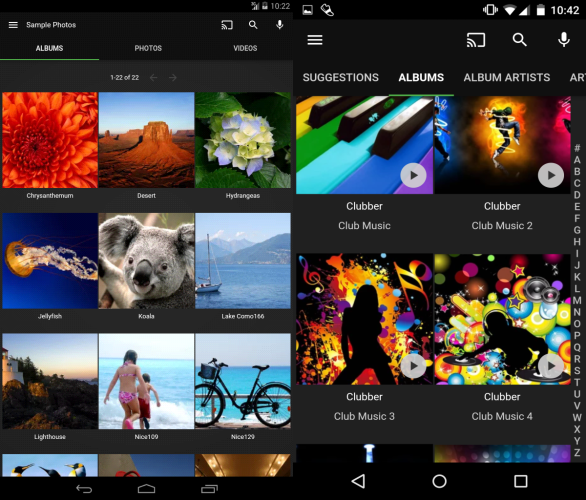
Emby is often described as the middle ground, but in reality, it’s the most flexible for users with massive or complex libraries.
Emby

Best for Customization: Emby is famous for its "Metadata Manager," which allows you to manually tweak every detail of your library more easily than Plex. It also handles "odd" file structures (like DVD ISOs or folder-based rips) better than the others.

The Power Feature: Stability. Many users find Emby’s server-side performance to be more "set-it-and-forget-it" than Jellyfin, while remaining more focused on your content than Plex.

The Trade-off: Like Plex, the best features (like hardware acceleration) are locked behind Emby Premiere.

Technical Comparison

FeaturePlexEmbyJellyfin
Metadata AccuracySuperior (Automatic)High (Manual tools)Good (Plugin-reliant)
4K TranscodingPaid (Plex Pass)Paid (Premiere)Free
User InterfaceModern & CommercialClean & ProfessionalBasic & Light
Remote AccessPlug-and-PlayManual ConfigurationManual (VPN/Reverse Proxy)
Offline ViewingExcellent (Paid)Solid (Paid)Good (Free)

Which One Should Host Your Videos?

The "Family Man" Setup: Choose Plex

If you want to share your movies with your parents or kids, choose Plex. You won't have to spend your weekends acting as IT support because the apps are available on every device and are incredibly easy to use.

The "Home Lab" Setup: Choose Jellyfin

If you have a dedicated server (like a Synology NAS or a custom PC) and you care about data sovereignty, go with Jellyfin. It is the most rewarding experience for those who enjoy having total control over their hardware.

The "Power Collector" Setup: Choose Emby

If you have thousands of movies and find Plex too restrictive but Jellyfin too unpolished, Emby is your home. It offers the best balance of administrative control and app stability for the serious collector.

warning

Many users ask us how to manage the downloaded videos. So we finished this blog with the help of Google Gemini.

The products listed in this blog are developed by third-party companies/teams. They have absolutely no connection to WhaleDown.


WhaleDown 2026.04.0 released

· One min read
Joseph Simmons
Joseph Simmons
Senior Software Engineer

We're excited to release WhaleDown 2026.04.0. It's time to say goodbye to licenses!

What's new

The new subscription module has been stabilized for this version. For new users, all you need to do is enter your PayPal subscription ID. For users using a license, WhaleDown will automatically attempt to upgrade to subscription.

We have also improved the detection method for master manifests. This helps you identify manifests containing both video and audio more quickly within the Detector. It's just that sometimes you need to wait a few seconds to see more information.

What's next

We will gradually discontinue the license module in the future. New users will not receive an email with a license/serial number. If the license is still valid, you can continue to use it.

WhaleDown 2026.01.1 released

· One min read
Joseph Simmons
Joseph Simmons
Senior Software Engineer

Happy New Year! We are pleased to release the first version of the new year - 2026.01.1.

What's new

In 2025, WhaleDown introduced support for Widevine DRM. However, initially we had to rely on a built-in browser extension to obtain the decryption keys for the videos.

With Chrome 142 no longer supporting the loading of local browser extensions, our developers have been exploring new methods over the past two months.

Fortunately, we have successfully managed to obtain the decryption keys for the videos without relying on browser extensions. Please forget about the browser extension. Everything has been simplified.

What's next

Although some websites use Widevine to protect their videos, they are not currently supported by WhaleDown. Our main development work going forward will be to support more video websites that use Widevine.

Additionally, we noticed that the Android version of WhaleDown is somewhat behind the desktop version. We will be gradually porting new features to the Android platform.

We recommend Microsoft Edge

· 2 min read
Joseph Simmons
Joseph Simmons
Senior Software Engineer

At this stage, we recommend that you use Microsoft Edge, which can load local browser extension. This allows WhaleDown to download Widevine encrypted videos.

The background

Google Chrome version 142 disables loading browser extensions from the local drive. This has caused great inconvenience to WhaleDown users.

As mentioned in a previous blog post, We have Chromium built in the macOS version in version 2025.11.4. However, our tests revealed that this is not a good solution. While Chromium can load native browser extensions, it lacks built-in video codecs and does not support Widevine.

The solution

Further testing revealed that Microsoft Edge, which uses the same browser engine as Chrome, can not only load local browser plugins, but also supports Widevine very well.

Our users can download more encrypted videos simply by switching to Microsoft Edge. At least for now, this is an effective solution for macOS users of WhaleDown.

What's next

The upcoming version 2025.12.0 will no longer include any browser. We recommend that you manually download Microsoft Edge and install it in the default location.

Our developers are preparing to release the browser extension to the Google Web Store. This will completely eliminate the limitation that Google Chrome 142+ cannot load browser extensions locally.

Workaround for loading local browser extensions

· 2 min read
Joseph Simmons
Joseph Simmons
Senior Software Engineer

Some users have noticed recently that WhaleDown is unable to load browser extensions. Since this extension doesn't load, many encrypted videos can't be played after being downloaded because they can't be decrypted.

Our development team provided a workaround in version 2025.11.4. If you have problems about decrypting videos, we recommend that you upgrade WhaleDown to this version.

What's happened

As of version 142, Google Chrome no longer allows browser extensions to be loaded locally. However, users who have already installed the WhaleDown extension are unaffected.

For WhaleDown's new users, they were deeply hurt by Google's decision. We also found many people on the internet complaining about this problem and looking for solutions.

Thanks to our development team, they devised a state-of-the-art solution to this problem.

Our workaround

On the Windows platform, we simulate human operations to load local browser extensions. When the extension is first loaded, WhaleDown opens the chrome://extensions page and clicks the Load Unpacked button. The following dialog actions are all automatically completed within seconds.

Due to differences in safety mechanisms, we have different workaround on macOS. WhaleDown has Chromium(Open source version of Google Chrome) built in, which allows browser extensions to be loaded locally.

warning

Please note that this workaround is temporary.

What's next

We plan to release this browser extension on the Chrome Web Store in 2026. Now our development team is working hard to refine the extension.

In the future, WhaleDown won't need to have Chromium built into the macOS version. Additionally, this extension will bring more exciting features.

WhaleDown 2025.11.0

· 2 min read
Joseph Simmons
Joseph Simmons
Senior Software Engineer

We're excited to release WhaleDown 2025.11.0. This release brings some new user interface (UI) designs.

What's new

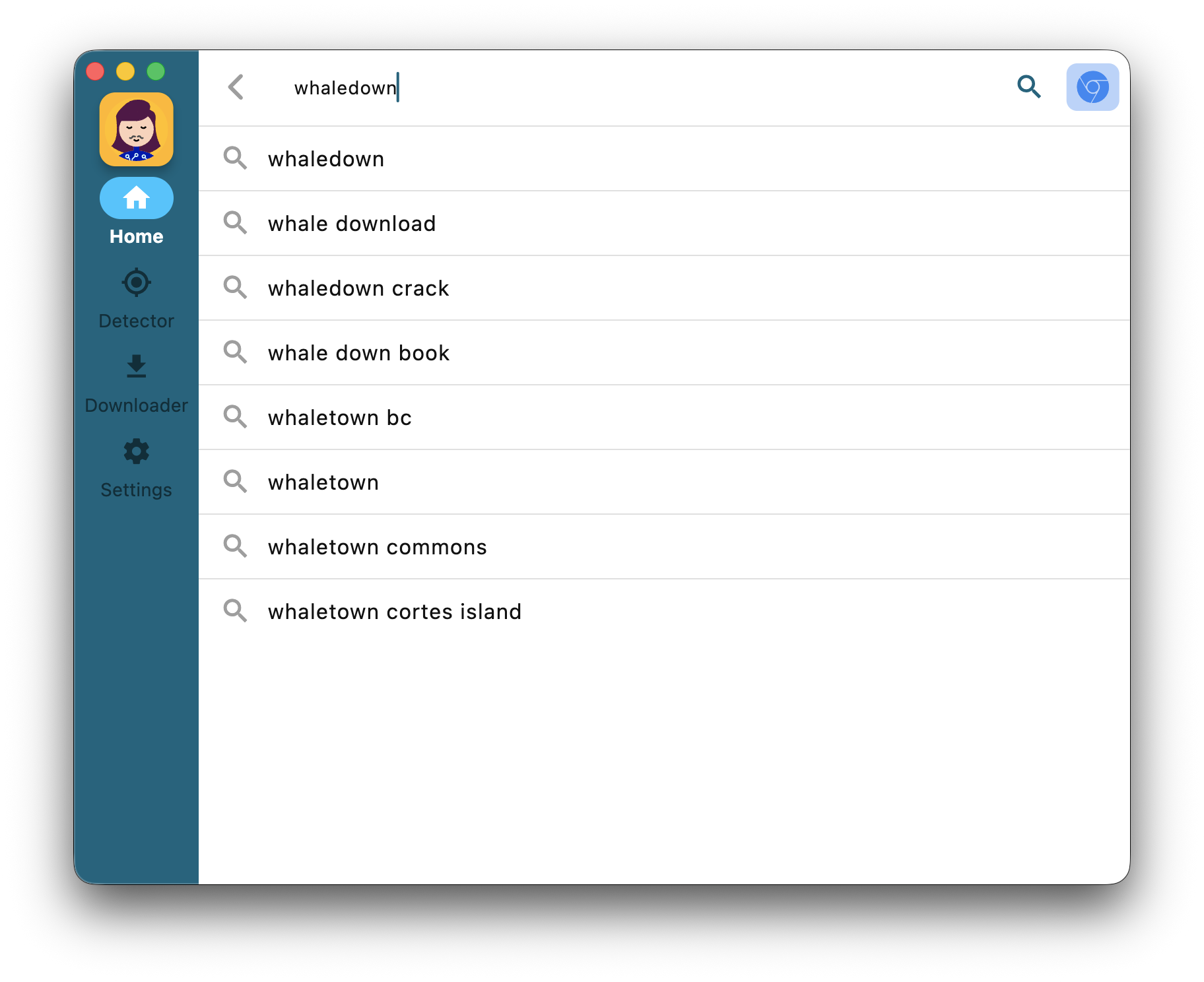
1. Browser launch button

We've added an

button to the top left corner of multiple views. Click on it to enter the new browser launch view.

Browser Launch Button

After entering the new browser launch view, you can also switch browsers by clicking the browser icon in the upper right corner of the view.

Browser Suggests Screen

This new button brings more convenience, but it still has a bug now. In the future, we'll add features such as history to this new view.

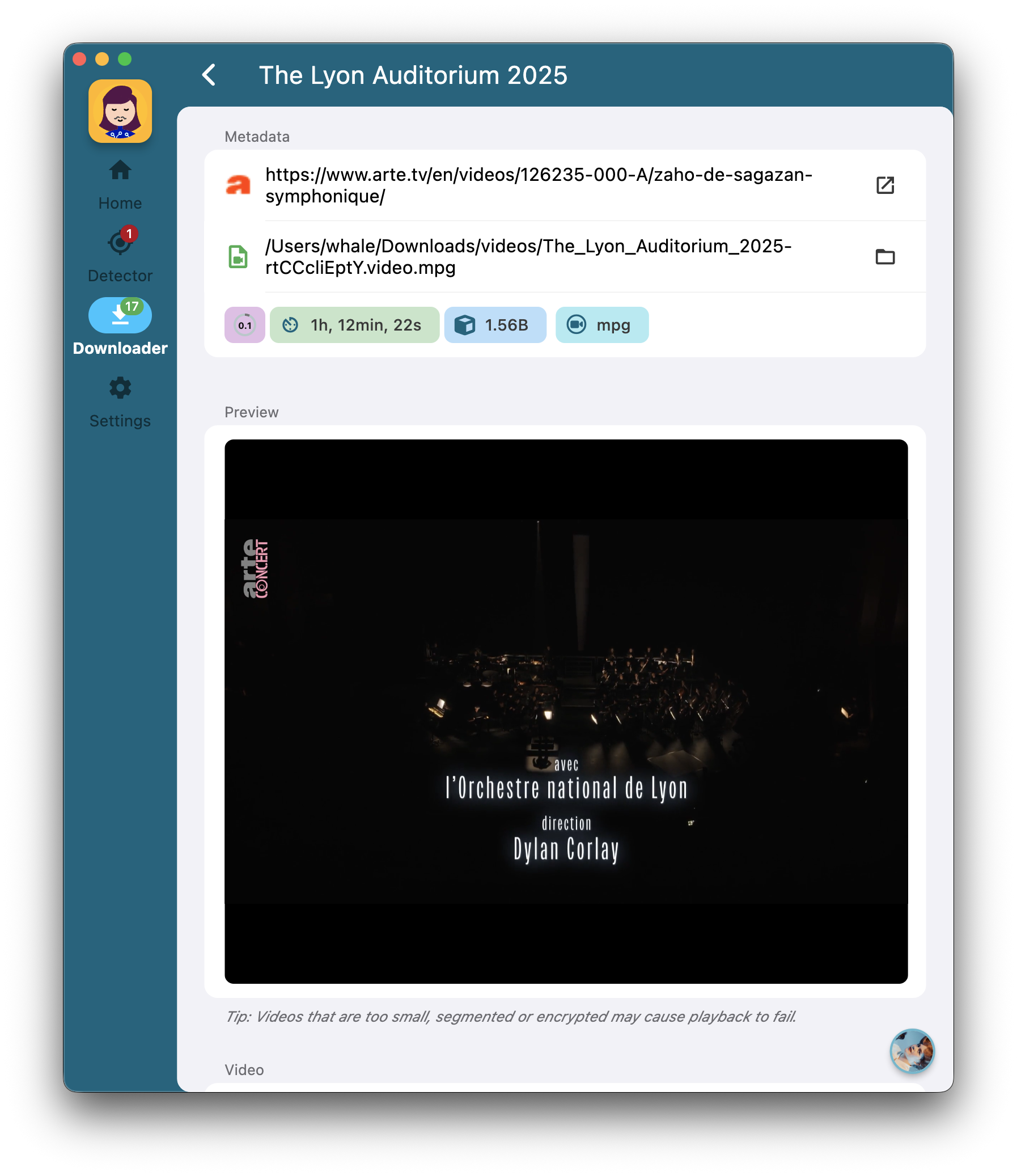
2. Downloader's details view

Just like the detector, we introduced details view for the downloader in version 2025.10.2. However, we have not released an update for this version.

You can now experience this new feature in version 2025.11.0.

Downloader's details view

This view focuses on showing video-related information and operation portals. We'll add more information in the future.

Known issues

We've discovered a UI bug on macOS. Once the WhaleDown window has been resized, it's hard to click the buttons at the top of the window. Our developers confirmed this is a bug of Flutter.

This is because the hidden title bar in the window is treated as a draggable area. A temporary solution is to click the bottom half of the button, which is below the hidden title bar.

WhaleDown 2025.10.0

· One min read
Joseph Simmons
Joseph Simmons
Senior Software Engineer

We're excited to release WhaleDown 2025.10.0. This release brings some new user interface designs and some bug fixes.

What's new

1. Uniform settings screen

We integrated the settings page of each module into the Settings screen. The settings page for each module is now displayed in the form of a tab page.

Uniform settings screen

Additionally, you can also access the corresponding settings page through the menu in the upper right corner of each module.

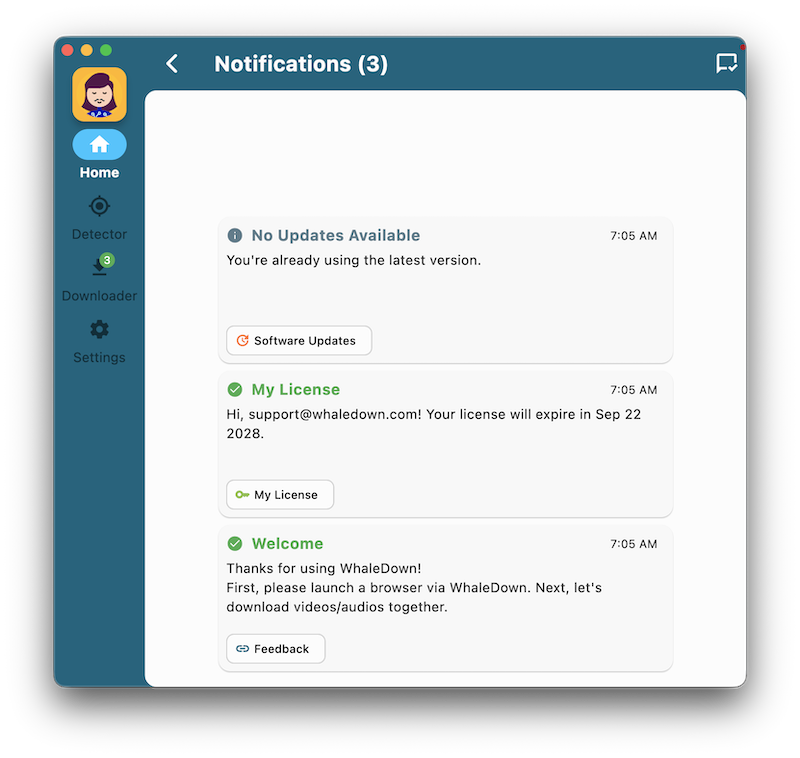
2. Notifications screen

For the first time, we've introduced a Notifications screen. These in-app notifications can help you make better use of WhaleDown.

Notifications screen

The current version only provides a few notifications. Next, we'll provide notifications for more modules.

Work in progress

Recently, many users reported that WhaleDown couldn't download YouTube videos.

We noticed that YouTube embeds videos' metadata into web pages instead of sending separate web requests as before. This caused WhaleDown to not detect YouTube's videos.

Our developers plan to fix YouTube's video download issues in October. Please look forward to the new version of WhaleDown.

WhaleDown 2025.08.0

· One min read
Joseph Simmons
Joseph Simmons
Senior Software Engineer

We're excited to release WhaleDown 2025.08.0. This release brings some important bug fixes.

What's new

1. TLS fingerprinting support

TLS fingerprinting is a new video protection technology. Previously, video sites usually returned 403 errors when downloading videos protected by TLS fingerprints.

Now, WhaleDown can download these protected videos by simulating the TLS fingerprint of the Google Chrome browser.

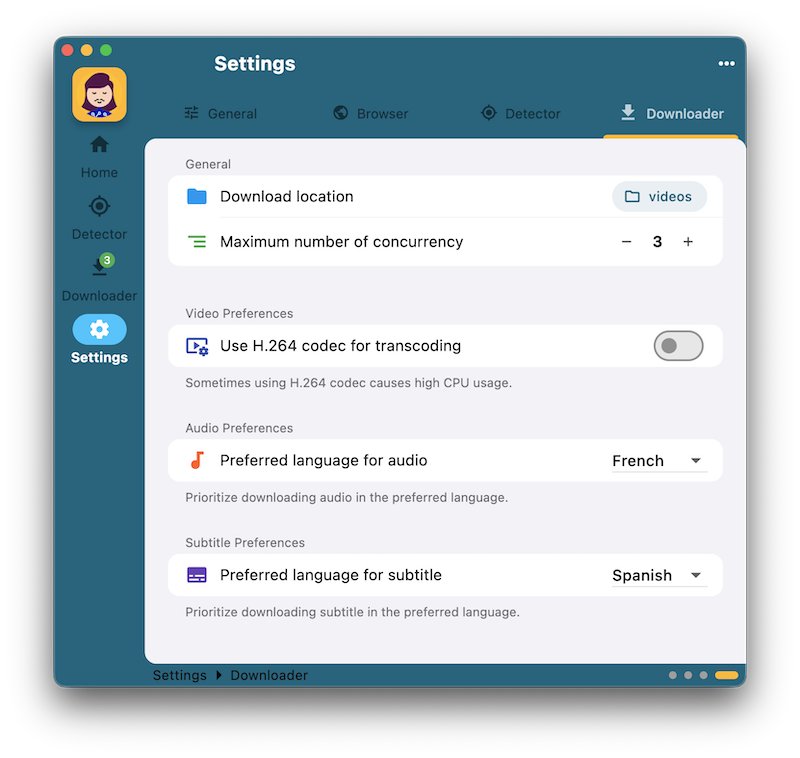
2. Disabling H.264 codec

Some users have reported that the CPU usage is too high when merging video/audio. This problem is particularly evident on Windows platforms.

We've added an option to disable H.264 codec to the Downloader Settings view. Disabling H.264 codec would significantly reduced CPU usage.

Enable/Disable H.264 Codec

You can find this option on the settings view of the download module.

3. Title display issue

In recent releases, WhaleDown solved the message blocking bug. But that caused WhaleDown to show the video's URL instead of the title in detector.

We've now partially solved this problem. Next we'll continue to improve the title's display issue until it's completely resolved.

Acknowledgement

We appreciate feedback from our lovely users. We cannot solve above problems without your help.

WhaleDown for Desktop 2025.07.1

· 2 min read
Joseph Simmons
Joseph Simmons
Senior Software Engineer

We're excited to release WhaleDown 2025.07.1. This release brings some important bug fixes.

What's new

We've added Subtitle Preferences section in Downloader Settings. You can set the language of the subtitles you want to download in advance.

Subtitle Preferences

When the visited website (e.g. arte.tv) is supported, WhaleDown will download the subtitles at the same time as the video is downloaded.

The download will fail when the site is not supported, or there are no subtitles in the corresponding language.

Bug fixes

1. Unable to load extension

Some users feedbacks that Chrome was unable to load the WhaleDown extension. Our developer investigation revealed that Chrome 137 removed the 'load-extension' command line flag. All users using Chrome 137+ are affected by this bug.

We fixed this bug with a few tricks. Now you can go ahead and download DRM-protected videos. In the future, we'll look at other ways to load browser extensions.

2. Video loss bug

Some users have reported that when they download videos from websites like Vimeo, there are audios only. This bug is caused by malformed data. This annoying bug was easily fixed by our developers.

We're now pushing an update with additional bug fixes to all users. We strongly recommend that you update to the current version 2025.07.1.

WhaleDown 2025.06.0

· One min read
Joseph Simmons
Joseph Simmons
Senior Software Engineer

We're excited to release WhaleDown 2025.06.0. This release brings some important bug fixes.

What's new

For video streams with audios in multiple languages, you can now select the language you want to download.

Before starting the download, you'll need to change the prefered audio language on the download settings screen.

DRM Snowflakes

Also, we've fixed a bug where Hotmart videos couldn't be downloaded. You can now save videos of online courses hosted on Hotmart.

What's next

We have received feedback from users that they are unable to change the download directory in downloader settings screen. This bug has been fixed. The next version 2025.06.1 will ship with this bug fix.